
Open source protocol for multimedia content streaming
Casting made open source
Cast media to your TV or PC
Build applications with the FCast SDK
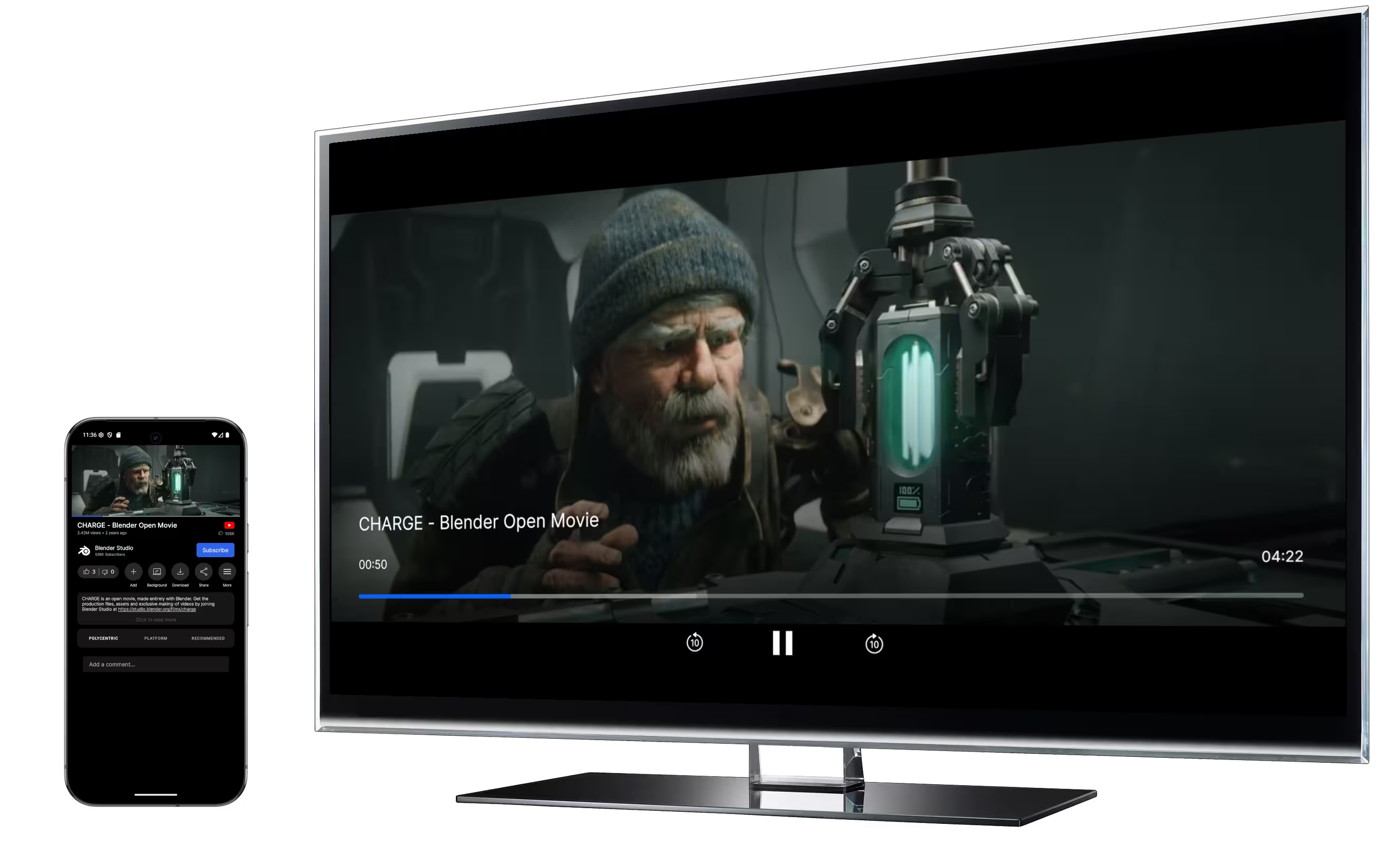
Get the FCast Receiver and Sender Apps
Everything you need to start casting. Choose a receiver for your display and a sender for your media.

What is FCast?
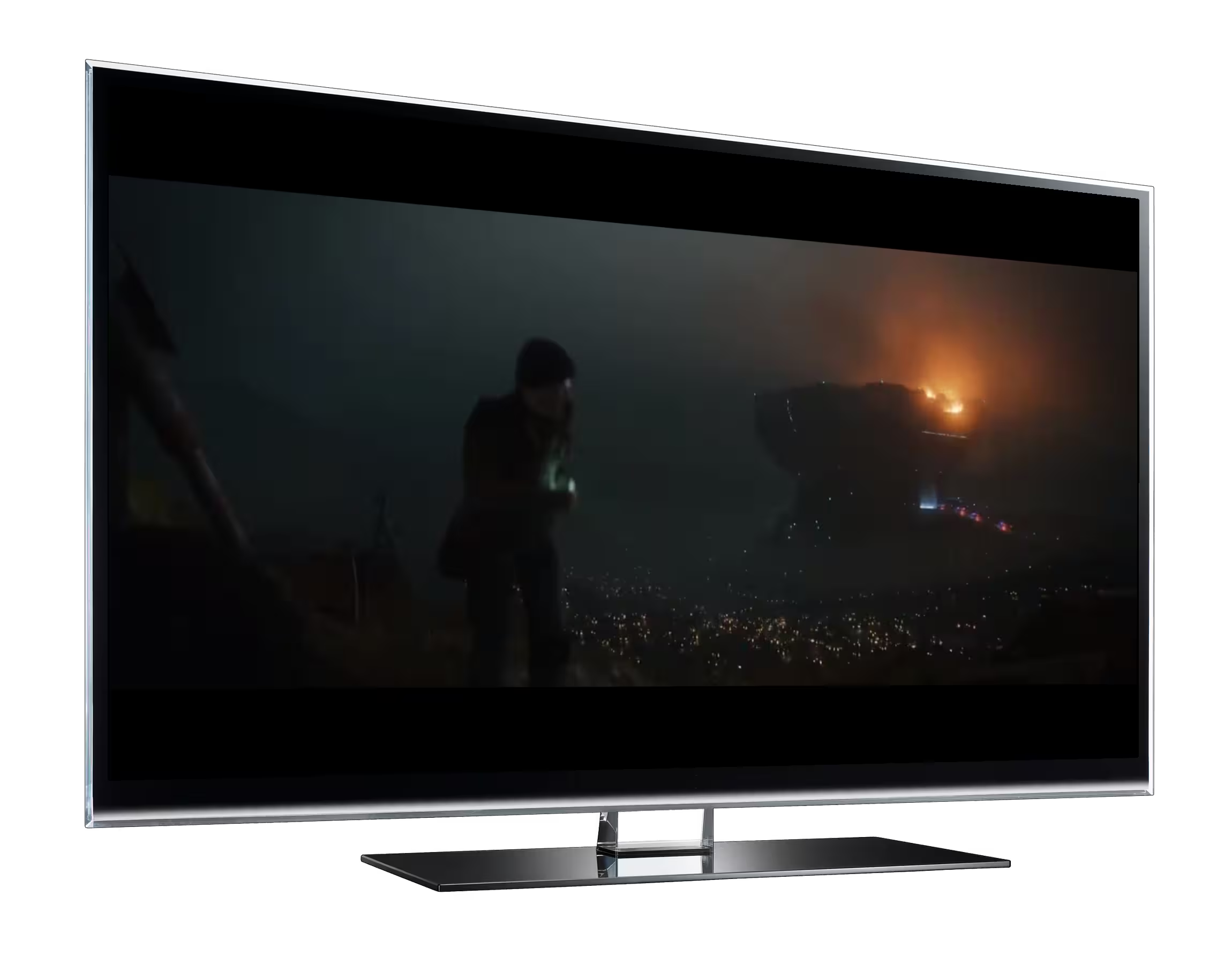
FCast is a protocol designed to facilitate multimedia content streaming and playback control from a sender device to a receiver device. The protocol is designed to support various streaming media such as video, audio, and image content. Unlike closed protocols, FCast is open-source which empowers developers to customize their implementation of FCast for their own streaming experiences.
Getting Started with FCast
The Sender App
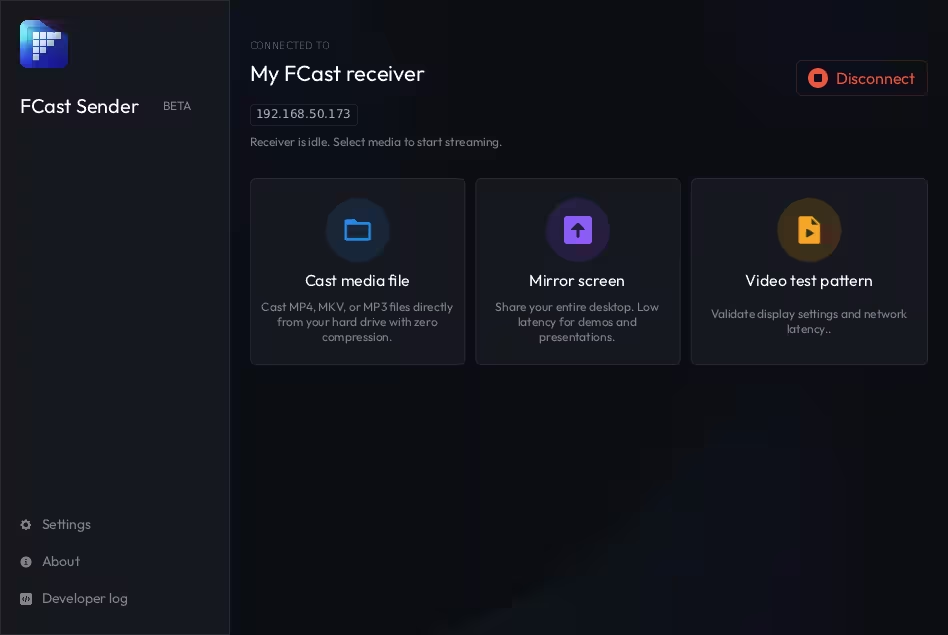
The Sender is your remote control. Use the FCast Sender app (or an FCast supported sender app such as Grayjay) to connect to the receiver device via automatic discovery or by scanning the receiver's QR code. After connecting, you can start browsing and casting your media.
The Receiver App
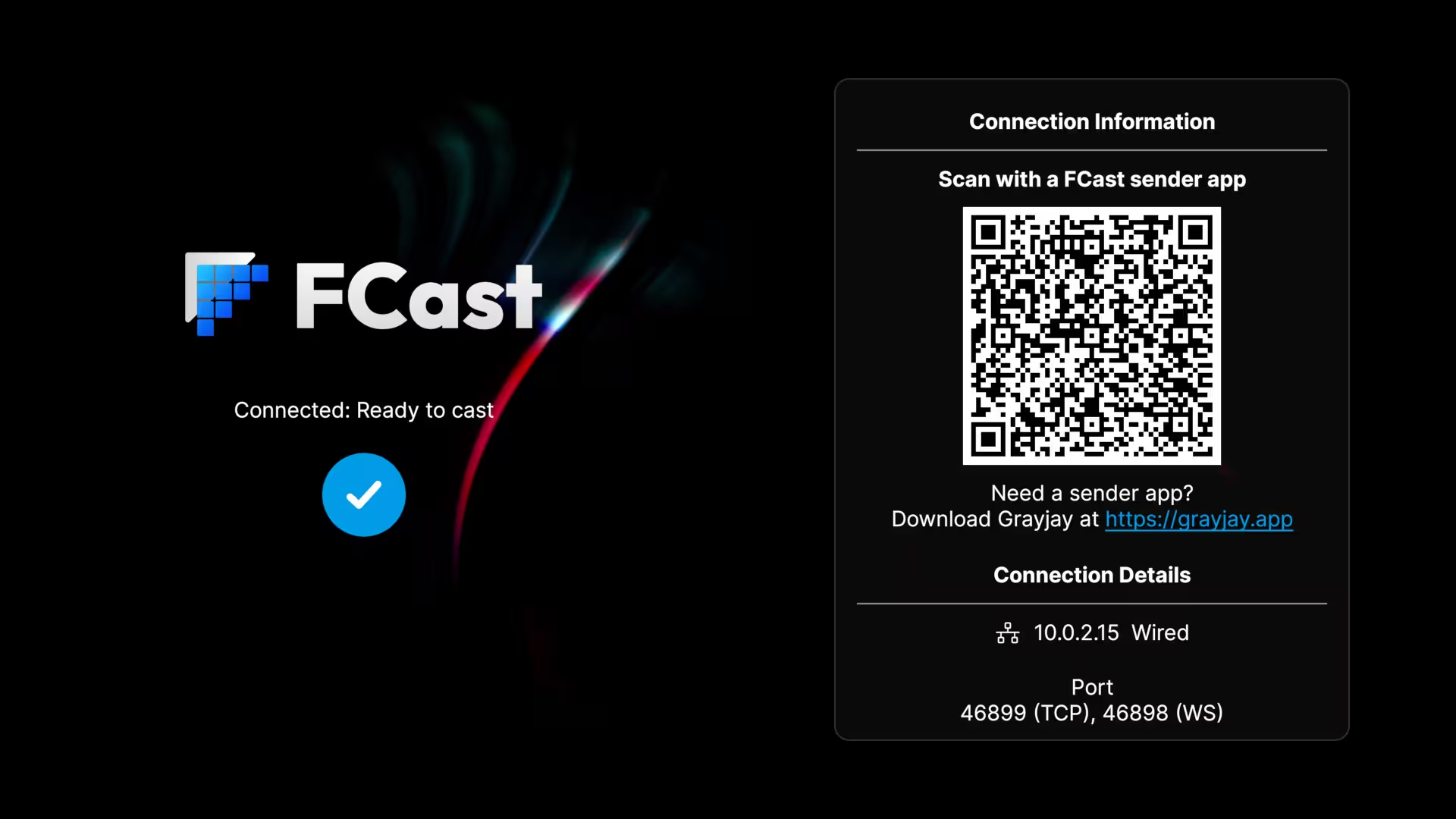
The Receiver is the device that displays your casted media. Install it on your TV, PC, or other device. Once launched, it displays a QR code and connection details for your sender device to connect. Once connected, cast media from your sender app to start the show.
Developers: Want to integrate FCast into your own apps? Check out the SDK Documentation.
Key Features
Open-Source Protocol
FCast allows unrestricted modification, enabling developers build their own unique streaming experiences.
Versatile Media Support
Stream DASH and HLS formats or cast local video, audio, and images directly to your receiver.
Screen Mirroring
Share your sender device's screen and audio in real-time.
Full Playback Control
Sender retains full control over playback, capable of operations like pause, resume, seek, volume adjustment, and more.
Cross-Platform Compatibility
Native Android receiver support alongside desktop receiver/sender apps for Linux, Windows, and macOS.
Google Cast Support
FCast receiver not available for your device? Cast to any Google Cast enabled device using the default media receiver.
Seamless Device Connection
Connect via automatic discovery over mDNS, QR code scanning, or manual IP entry.
Real-Time Updates
The receiver provides real-time updates about the playback status to the sender, ensuring synchronized communication.
Download FCast Apps


Previous releases can be downloaded from Github